Local SEO Audit Checklist: 6 Checks for Bangkok Businesses
Audit your Bangkok listing, map visibility, reviews and website. Separate confirmed issues from owner-only checks, then assign fixes and retests.
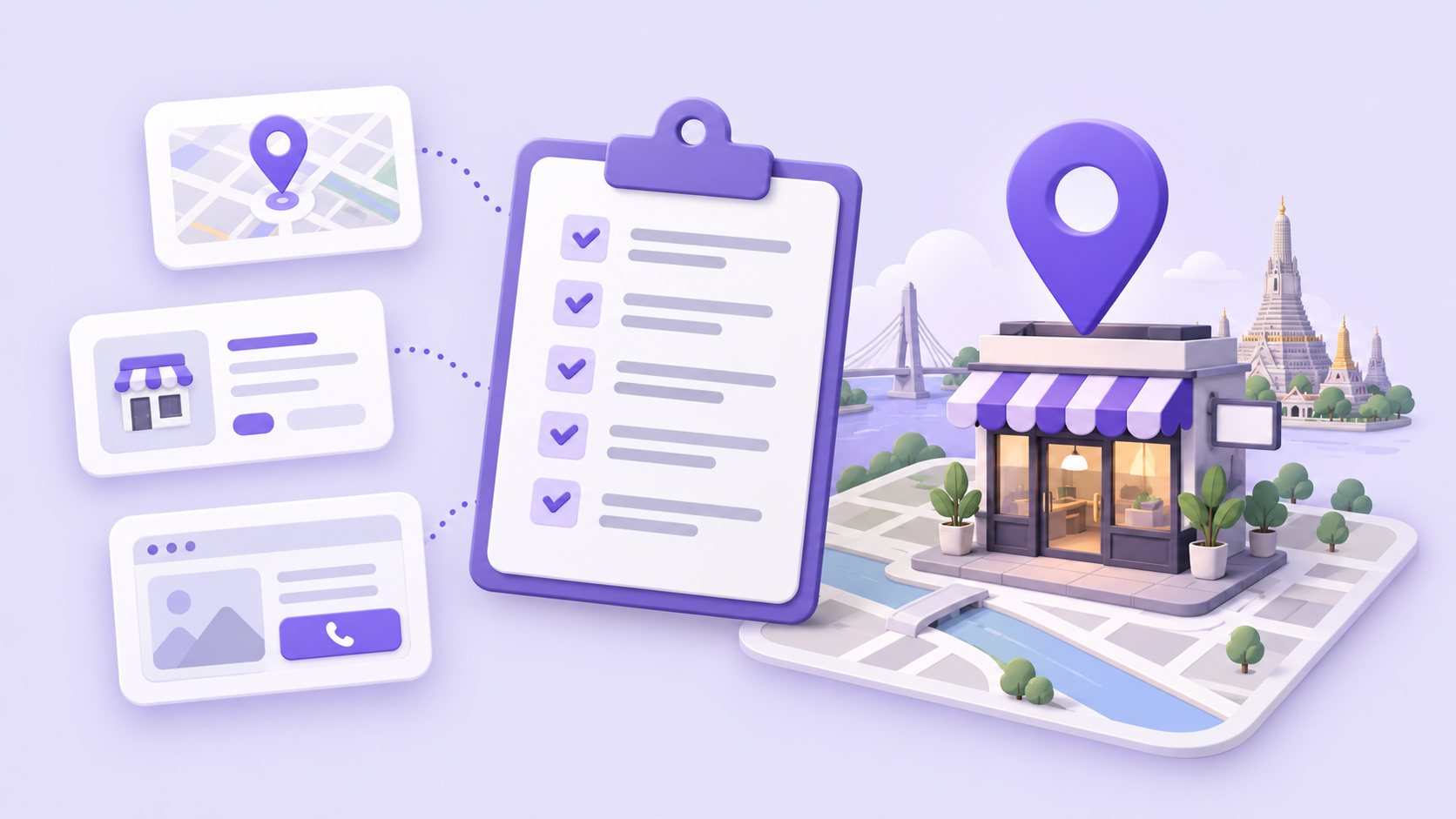
A local SEO audit checklist tests whether customers can find the correct business, trust its details, and complete an enquiry. For a Bangkok shop, check the listing identity, profile accuracy, geographic visibility, reviews, website journey and reporting. Separate confirmed errors from facts needing owner access, then assign each fix a person and a retest.
Start with one branch and one customer journey. A salon in Thonglor and another branch in Silom need separate evidence, even when the brand shares a website. This checklist produces a short repair queue: what is wrong, where the evidence is, who will fix it, and how to confirm the fix.
What belongs in a local SEO audit checklist?
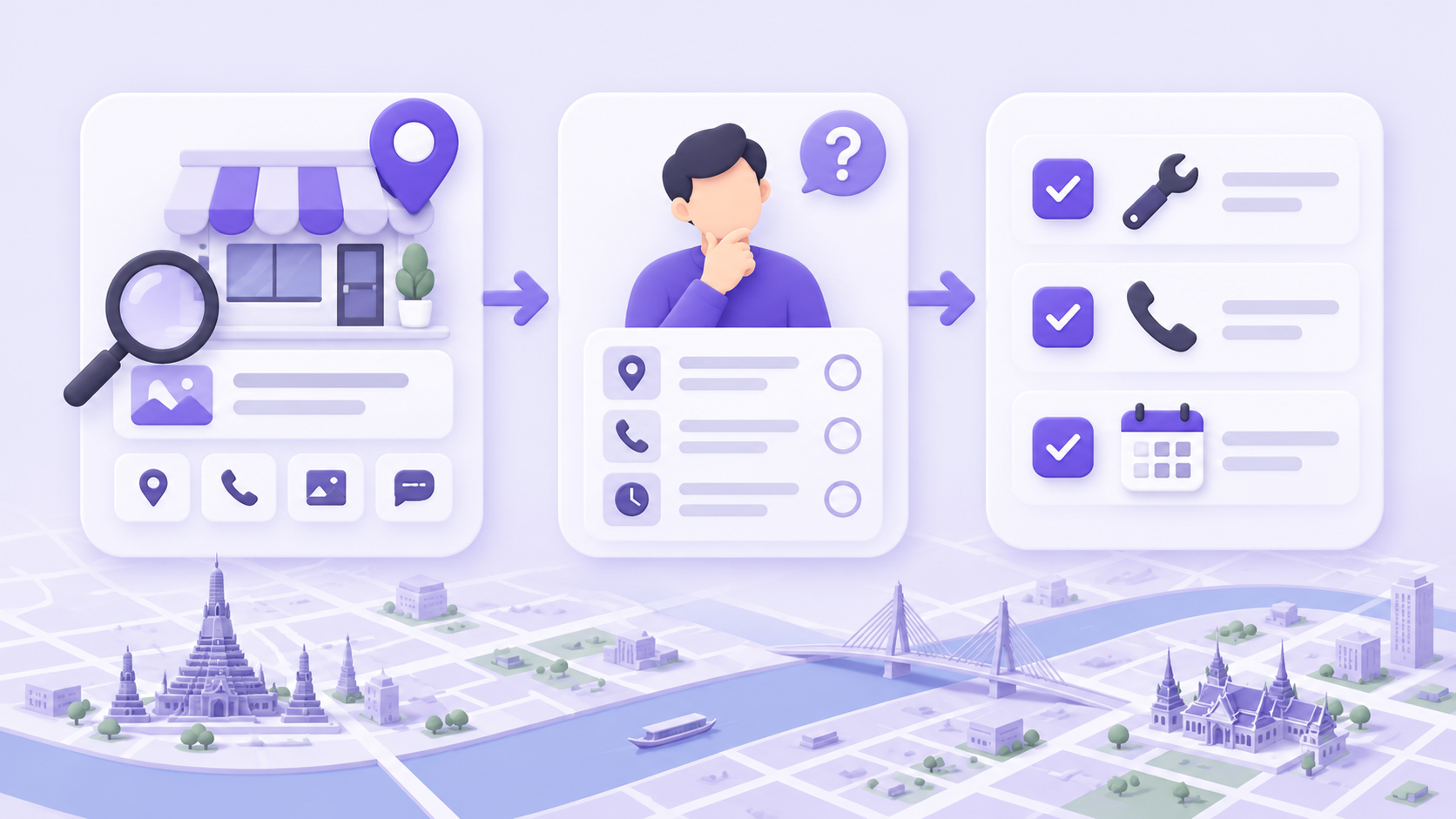
Use six checks, in this order. Save the evidence as you go; a screenshot without a date or the business being checked is difficult to compare later.
- Confirm the listing and branch. Record the business name, Maps link, address and intended service area.
- Check profile facts. Compare categories, contact details and hours with the actual business; flag owner-only checks separately.
- Measure the relevant map area. Record the exact keyword, language, grid center, dimensions and scan date.
- Review customer evidence. Inspect recent feedback and the review-request process without treating a small sample as the entire history.
- Test the website and enquiry route. Check the service page, indexing information and the contact action on a phone.
- Build a repair queue. Give each confirmed issue an owner, priority and retest; keep visibility metrics separate from bookings.
For the broader order of work across Thai and English search, see our Bangkok local SEO guide. The checklist below is the evidence-gathering pass before deciding what to change.
1. Are you auditing the correct business and branch?
Record the precise listing before looking at any score. Save its Maps URL, the branch address and the page on the business's website that represents it. Compare those details with the storefront and the owner's records. A report about a similarly named business cannot establish a problem with your own listing.
For a shop inside a Bangkok mall, ask staff to confirm the building, floor and usable entrance. Keep Thai and English address versions intelligible and consistent about the location. Do not add a new profile simply because an existing one is hard to find; investigate whether it is already the business's listing.
Google's business representation guidelines require accurate real-world representation and generally one profile per business, with specific exceptions for eligible departments or practitioners. The business name should reflect the actual name, rather than an added list of services and districts.
Evidence to keep: Maps URL, branch identifier, website URL, date checked, and the name of the person who confirmed the location. If the listing identity is unresolved, settle that before paying for repeated scans of it.
2. Which profile facts are wrong, and which are unverified?
Compare public facts with the business's own records, then ask the owner to check information unavailable to the audit tool. A phone number that reaches the wrong branch is a confirmed fault. An owner description that a public scan cannot read is an open question. Those findings need different next steps.
Check the primary category against what the business actually does. Our Google Business Profile categories guide explains the category decision in more detail. Confirm ordinary hours, relevant holiday exceptions, phone and website links with branch staff; avoid changing a category just to make a tool's score higher.
GBP Peak's current profile audit distinguishes verified, approximate and owner-access findings. It reports a measured score against the points it can automatically check, while keeping owner-only items visible. Description, owner replies, services and booking-link details can require confirmation in the account that manages the profile. A public audit is therefore a starting worksheet, not proof those fields are absent.
Use three evidence labels in your own notes:
- Confirmed issue: A repeatable mismatch, such as a branch's published phone reaching another location.
- Owner check: A field or setting needs the managing account or staff confirmation before a conclusion is possible.
- Observed sample: The tool saw a limited set of reviews, photos or website links; the sample does not establish the full inventory.
Evidence to keep: the observed value, its source, the correct value if confirmed, and the person who can resolve an owner check. Never turn “not available to this scan” into “missing from Google.”
3. Does the visibility check match the area you serve?
Measure the same business and keyword from multiple recorded locations. Keep the grid center, spacing, dimensions, language and date with the result. A map centered on Siam Paragon describes a different search area from one centered on your shop. Neither result establishes one position for every customer in Bangkok.
Google's local-ranking explanation identifies relevance, distance and prominence as the main considerations. Distance makes the location of the measurement consequential. Our map rank tracker guide covers the geographic measurements and what their averages mean.
Here is a real, bounded example. In the historical 16 October 2026 scan for the English query “massage Siam Paragon”, Nature Thai Massage @siam soi6's business report records Top-5 visibility at 24 of 25 locations (96%) and an average position of 3.8 across all 25 locations where it was found. The report explicitly centers the grid on Siam Paragon, rather than the business. These are recorded search observations, not today's rankings or evidence of bookings.
That example illustrates why “found” and “Top 5” need separate columns: the business was found at all sampled locations, while one recorded position was outside the Top 5. When comparing your own scans, keep those denominators and the search area unchanged. Do not compare a shop-centered Thai scan with a mall-centered English scan and attribute the difference to last week's profile edits.
For competitor work, compare businesses within the same scan before drawing a conclusion about a gap. The local competitor analysis guide explains how to keep that comparison useful.
Evidence to keep: report URL, listing identity, exact query and language, grid settings, scan date, found count and the visibility threshold. Record changed settings as a new baseline.
4. Does the review process reflect real customer experience?
Read a dated sample of recent reviews and inspect how the business asks customers for feedback. Look for repeated service problems that staff can investigate, and unanswered questions that deserve a factual reply. Separate a customer-experience issue from a rating statistic; a number alone does not explain what went wrong.
Ask the owner to check reply activity in the managing account if the audit cannot verify it. If a tool receives only a sample of reviews, do not describe the sample's newest date as proof that the entire profile has been inactive. Capture the sample boundary in the notes.
Google's review policy prohibits incentivized reviews and selectively soliciting positive reviews. Check the actual request message: it should invite genuine feedback without a reward or an instruction about the rating or wording. A review gate that sends only satisfied customers to Google needs correction, rather than a more persuasive script.
Evidence to keep: the request message, where it is used, a dated review sample, and any issue assigned to staff. Avoid copying private customer details into a shared audit document.
5. Can a customer reach the right service and contact route?
Open the linked website on a phone and follow the route a new customer would take. Check that the relevant branch and service are clear, the contact action reaches the right destination, and the business can receive the enquiry. A page loading successfully does not establish that the booking form works.
Use a controlled test with the owner's agreement for forms or bookings, label it as a test, and arrange its removal from operational reports. For a LINE contact, verify that the linked official account belongs to the branch or team intended to receive enquiries. Do not send an unsolicited enquiry to a business simply to complete an audit.
Ask whoever maintains the website to check indexing information in Search Console for the important service page. Google's technical troubleshooting guidance recommends investigating crawling and indexing issues when visibility drops. Keep a website accessibility or indexing finding separate from a Maps ranking observation.
For a hypothetical Sathorn repair shop, “the repair page opens, but its contact button reaches an old number” is an actionable finding. “The website needs better SEO” is not specific enough to assign or retest. Use the same standard for translated pages: verify the facts and destination, rather than assuming the English and Thai journeys behave identically.
Evidence to keep: landing URL, device, date, broken step and intended destination. Record whether you inspected the route or completed an agreed test.
6. How do you turn the audit into a repair queue?
Rank confirmed issues by their effect on customers, then assign a person and a retest. Resolve wrong contact details, misleading location facts and broken enquiry routes before polishing a cosmetic score. Keep owner questions open until someone supplies evidence. A completed checklist should end with decisions the team can act on.
Use this compact record for each issue:
Branch:
Finding and evidence URL:
Status: confirmed issue / owner check / observed sample
Customer impact:
Person responsible:
Agreed correction:
Retest and date:
Outcome: open / corrected / needs investigation
Track three kinds of result separately: map visibility, profile interactions and completed business outcomes. Google's Business Profile performance documentation defines the Calls metric as clicks on the profile's call button. It does not by itself establish answered calls or booked appointments. Use staff or booking records to establish those outcomes.
Our Business Profile performance guide explains the reporting side. When retesting a correction, first confirm the corrected fact or working customer journey. Review comparable ranking history later; do not promise an immediate ranking change because an audit item is closed.
SourceGoogle: guidelines for representing your businesssupport.google.comSourceGBP Peak: Nature Thai Massage, recorded Siam-area scan, 16 October 2026gbppeak.comSourceGoogle: Business Profile performance metric definitionssupport.google.comFrequently asked questions
What should a local SEO audit checklist cover?
Check the correct branch and listing, profile facts, geographic visibility, genuine reviews, the website enquiry route and reporting. Save evidence, separate owner-only questions, and assign each confirmed correction a retest.
Does an unverified audit item mean my profile is incomplete?
No. It can mean the tool cannot access the information. Check the item in the managing account or with the business owner before describing it as missing or changing the profile.
Can one search show my Google Maps rank for Bangkok?
One search records one observation in a particular context. Use multiple recorded locations and keep the keyword, language, grid and date when comparing geographic visibility.
Does fixing every audit item guarantee first place?
No. An audit identifies evidence gaps and corrections; it does not control Google's ranking systems. Confirm the repair itself, then measure later visibility using comparable settings.
Are Business Profile calls the same as bookings?
No. Google defines that metric as clicks on the profile's call button. Use call handling or booking records to establish whether an enquiry was answered and became a booking.
Start the geographic part of your audit with GBP Peak's Google Maps visibility check, then keep the report and scan settings with your repair queue.