Diagrams as Code: Fixing Stale Documentation with Mermaid and AI
Twelve process diagrams, nine now wrong — the intern left in March. Diagrams as code plus AI translation: updates cost one message, docs never rot again.
A Bangkok logistics company's operations manual had twelve process diagrams — beautifully drawn, in a design tool, by an intern who left eight months ago. Today nine of them are wrong. Nobody can edit the source files, nobody wants to redraw them, and the newest hire follows a flowchart showing a warehouse process that was replaced in March. The diagrams didn't fail because they were bad — they failed because they couldn't be updated.
Stale diagrams are a maintenance problem, not a design problem. 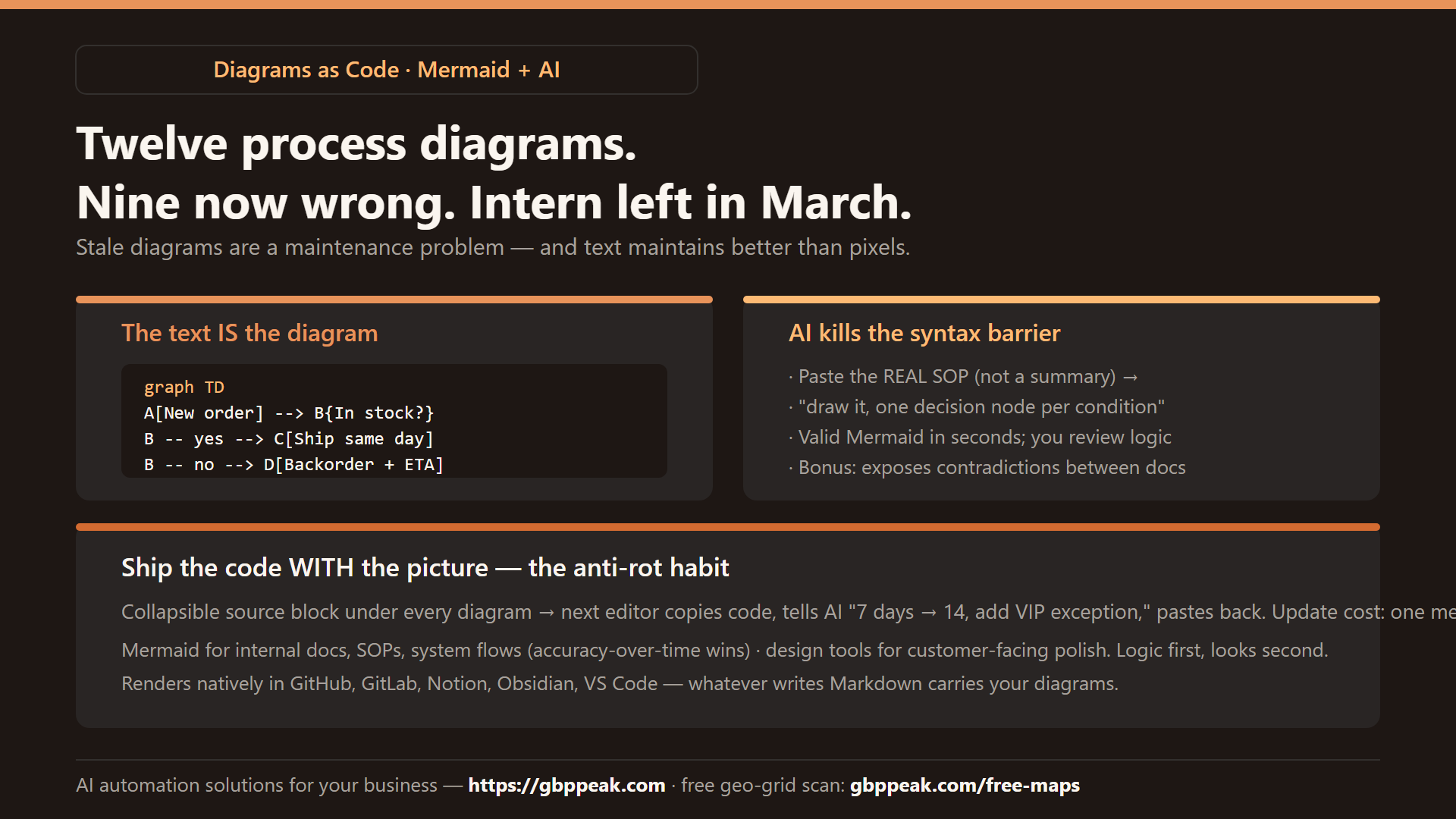
And maintenance problems are solved by changing the format — from pixels to text.
Mermaid is an open-source tool that renders diagrams from plain-text code: you describe the flow in a short script, and it draws the chart. Because the text is the source of truth, updates are one-line edits instead of drag-and-drop archaeology — and the code versions alongside your docs. Combined with AI, the syntax barrier disappears: describe the process in plain English (or paste the actual procedure/spec), and the AI generates the Mermaid code. Use it for internal documentation, process maps, and system flows that must stay current; keep design tools for customer-facing, high-polish visuals. :::
Why visual documentation rots
| Rot pattern | What happens | Root cause |
|---|---|---|
| The departed designer | Source files lost; nobody can edit | Diagram lives in a binary format one person knew |
| The cascade dread | One step changes → 20 boxes to rearrange | Manual layout means every edit is a redesign |
| The silent lie | Diagram drifts from reality, still looks official | No diff between doc and process |
| The never-started | Process documented only in someone's head | Making a diagram costs too much to bother |
Every one of these is an argument for the diagram being text — reviewable in a pull request, diffable, editable by anyone, regenerable for free.
Mermaid in one minute
Mermaid renders a readable script into a diagram. A decision flow:
graph TD
  A[New order arrives] --> B{In stock?}
  B -- yes --> C[Pack & ship same day]
  B -- no --> D[Backorder notice to customer]
  D --> E[Restock ETA from supplier]
  E --> C
Paste that into any Mermaid renderer (GitHub, GitLab, Notion, Obsidian, VS Code, mermaid.live all support it natively) and you get a clean flowchart. Change a label? Edit the text. Add a step? One line. The script is the diagram.
The same idea powers our stateful-automation explainer graphics — the pipeline diagrams on this blog are text-generated, which is why every new post ships with a fresh one in minutes.
The AI bridge: from English (or Thai) to diagram
The historical barrier to Mermaid was "learn the syntax." That barrier is gone — an LLM is a fluent Mermaid translator:
PROMPT: "Here's our refund procedure: customer requests via LINE or in-store.
If within 7 days and receipt exists → full refund same day.
If 7–30 days → store credit, manager approval.
If no receipt → store credit capped at 500 baht, manager approval.
Draw it as a Mermaid flowchart with a decision node per condition."
The AI returns valid Mermaid in seconds. You paste, glance, adjust a label, done. The workflow that makes it stick:
- Paste the real procedure (SOP, chat thread, or code) — not a summary you wrote specially; the source document keeps the diagram honest
- Ask for the diagram with one decision node per real condition
- Review the rendered result against the source — you're checking logic, not beauty
- Store code and image together (below) — next update starts from the text, never from a screenshot
Context-aware generation
The advanced version: give the AI your whole doc folder and ask, "diagram the order lifecycle as described in these files." It reads the actual process and generates the flow — surfacing contradictions between documents that humans stopped noticing ("the SOP says 7 days, the policy sheet says 14 — which is right?"). Diagramming becomes an audit.
Best practice: keep the code next to the picture
The single habit that prevents the next eight-month rot: every diagram ships with its source.
## Refund Process

<details>
<summary>Diagram source (edit me)</summary>
graph TD
A[Request: LINE or in-store] --> B{Within 7 days + receipt?}
B -- yes --> C[Full refund, same day]
B -- no --> D{Within 30 days?}
D -- yes --> E[Store credit + manager approval]
D -- no --> F[Denied, explain policy]
</details>
Now any teammate can copy the code, tell an AI "change the 7-day window to 14 and add a VIP exception," and paste the result back. The diagram updates forever at the cost of one message — the maintenance economics that keep docs alive.
When Mermaid vs. when design tools
Be honest about the trade-off:
| Mermaid + AI | Design tools (Figma/Lucid) | |
|---|---|---|
| Speed to first draft | Minutes | An hour+ |
| Updating later | One line | Manual rearrangement |
| Who can update | Anyone + AI | The license holder |
| Version control | Native (text diffs) | Clunky or manual |
| Visual ceiling | Clean and functional | Unlimited polish |
| Best for | Internal docs, SOPs, system flows | Sales decks, customer-facing, branding |
The rule this blog follows: text-generated diagrams for everything internal and explainer-grade; hand-designed visuals only when the audience is external and polish is the point. Even then, the first draft often comes from Mermaid and gets restyled — logic first, looks second.
A documentation revival plan
For a business with rotting process docs:
- Day 1: pick the three most-referenced (most-wrong) diagrams
- Day 2–3: paste each underlying SOP into an AI → Mermaid → review with the person who owns the process
- Day 4: publish docs with the collapsible source block; note the owner and "last verified" date on each
- Ongoing: any process change includes "update the diagram text" as a checklist line — it's a one-minute task now
And the same keep-it-current discipline applies to your market-facing systems: a free geo-grid scan at https://gbppeak.com/free-maps snapshots where your Google Maps ranking stands across your service area — fresh data, not last March's diagram.
Frequently Asked Questions
What's the difference between Mermaid and a normal diagram tool?
Normal tools are visual editors — you drag boxes, and the output is pixels only someone with the file can change. Mermaid generates the diagram from a text script, so anyone can edit, version, and regenerate it. Less aesthetic control, dramatically better maintenance.
Do I need special software to view Mermaid?
No — GitHub, GitLab, Notion, Obsidian, VS Code, and free web renderers display it natively from the text. Whatever writes Markdown can carry your diagrams.
Can AI produce accurate diagrams from real processes?
Yes, when fed the real source — paste the actual SOP, policy, or code, not your memory of it. The AI translates faithfully and even exposes contradictions between documents; review the logic against the source before publishing.
Should we replace all our diagrams with Mermaid?
Replace internal process and system diagrams — anywhere accuracy-over-time matters more than polish. Keep design tools for customer-facing materials where brand quality is the point. Many teams prototype in Mermaid, then restyle the winners.
Final note
Documentation dies when updating it costs more than ignoring it. Text-based diagrams flip that economics: the diagram becomes as easy to edit as a sentence — and with AI, as easy to create as describing the process out loud. Draw less, maintain forever.