
How to Rank Higher on "Phone repair Near Me"
"Phone repair near me" picks a different shop at every search point. Here is how phone repair shops can measure where they actually appear, close the profile gaps that matter, and re-check over time.
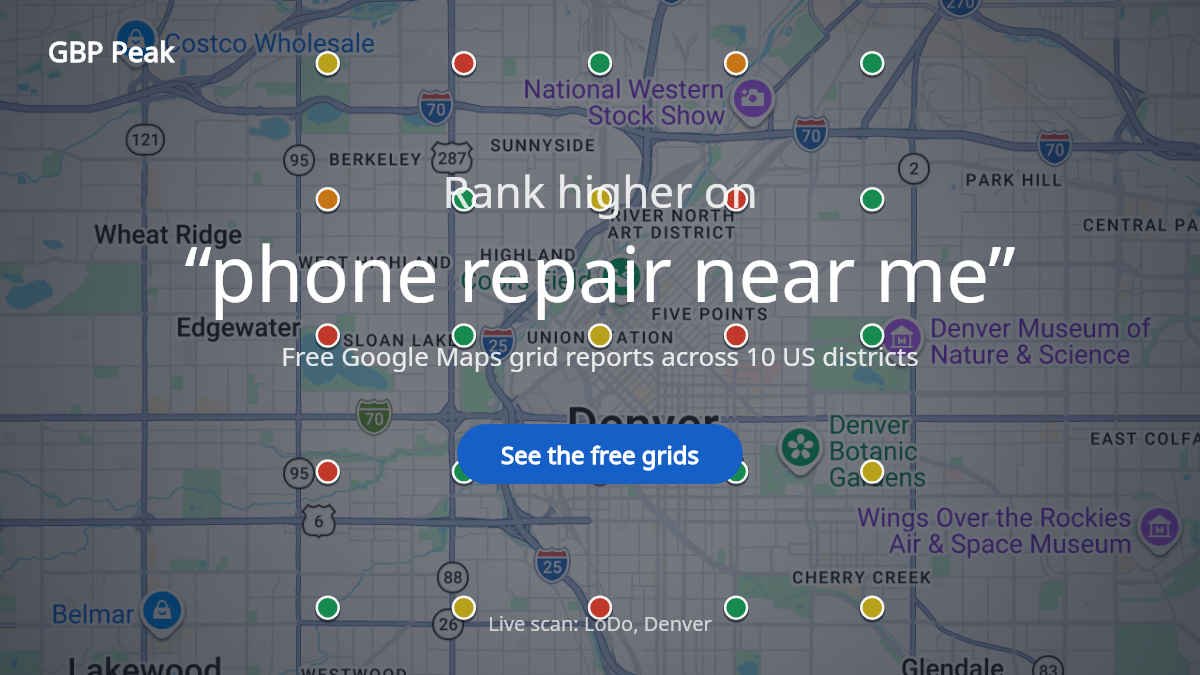
"Near me" means every search has its own winner
When someone searches "phone repair near me", Google decides what to show using relevance, distance and prominence — and two of those three are judged at the moment of searching, from wherever the searcher stands. Run the same search two streets apart and the list changes. A shop that is the first result beside its own door can be missing from the top three half a mile away.
That is why checking your ranking once from your own phone tells you so little. You sampled one point. Your potential customers are sampling dozens of points all around your area, and each of them sees a slightly different set of shops.
Step 1: measure where you appear, point by point
A grid scan repeats your keyword — for this guide, "phone repair near me" — at evenly spaced points around your location and records who appears at each one. Instead of one ranking number you get a map: strong here, absent there, competitor everywhere in between. It is a dated measurement of the points you sampled, not a promise about every future search, which is exactly what makes it honest.
You can create your first grid scan free — sign in with Google, choose your business, no card needed. Keep the business, keyword and grid consistent between scans so comparisons stay fair, the same approach we describe in our guide to reading a map rank tracker.
Step 2: read the grid like a diagnosis
Three patterns cover most shops:
- Strong core, fading edge. You appear near your shop and drop off with distance. This is normal proximity behavior. Improve it by strengthening prominence signals — the steps below — rather than chasing every far point.
- Patchy everywhere. You appear at some nearby points and vanish at others. That often points to weak or ambiguous profile information: a category that is too broad, missing services, or incomplete hours. Step 3.
- Absent even beside your own door. Usually a profile problem, not a ranking problem — suspension, duplicate listings, or a category mismatch. Fix the listing first; ranking tactics are wasted on a broken profile. The three levers of local ranking explains what Google is actually reacting to.
Real "phone repair near me" grids in ten US districts
To make this concrete, we publish free public grids for shops in ten US districts, each scanned on the keyword "phone repair near me". Every business in a scan gets its own report showing exactly which points it wins and which it loses. The maps below are each district's scan area:
Capitol Hill
Every shop ranked on "phone repair near me" around Capitol Hill — open the full leaderboard.
East Village
Every shop ranked on "phone repair near me" around East Village — open the full leaderboard.
Wicker Park
Every shop ranked on "phone repair near me" around Wicker Park — open the full leaderboard.
Koreatown
Every shop ranked on "phone repair near me" around Koreatown — open the full leaderboard.
Wynwood
Every shop ranked on "phone repair near me" around Wynwood — open the full leaderboard.
Montrose
Every shop ranked on "phone repair near me" around Montrose — open the full leaderboard.
Downtown Austin
Every shop ranked on "phone repair near me" around Downtown Austin — open the full leaderboard.
LoDo, Denver
Every shop ranked on "phone repair near me" around LoDo, Denver — open the full leaderboard.
Las Vegas Strip
Every shop ranked on "phone repair near me" around Las Vegas Strip — open the full leaderboard.
Old Town Scottsdale
Every shop ranked on "phone repair near me" around Old Town Scottsdale — open the full leaderboard.
Open any of them next to your own situation and ask the only question that matters: would my map look like this?
Step 3: close the category and service gaps
Google matches a "phone repair near me" search against what your profile says you are. Two fields carry most of that weight:
- Primary category. "Phone repair shop" is the anchor; add "Electronics repair shop" or "Computer store" only if you genuinely do that work. Compare your categories against the shops that appear most often in your grid — their choices are public.
- Services list. Add repairs you genuinely provide, named the way customers name them — screen replacement, battery replacement, water damage repair, charging port, data recovery, by device (iPhone, Samsung, Google Pixel). Each is another phrase your profile can legitimately match, and "iPhone screen repair near me" is its own search with its own intent.
Turnaround time and warranty belong in your description: walk-in repairs are an urgency business, and "done in 30 minutes" or "90-day warranty" in plain text answers the two questions every customer has before calling.
Step 4: build the review habit, not the review spike
Reviews feed prominence, but the pattern Google and customers react to is a steady flow of genuine reviews plus owner responses — not a burst of ten in one week. Two habits are enough: ask every happy customer, every time, with a direct link, and respond to every review, good or bad, within a couple of days.
Repair reviews are won on speed and honesty. Ask at pickup — the moment the phone works again — and reply to every review, especially complaints about price or a repair that didn't hold. A reply that explains what was done and what the warranty covers reads well to the next customer who is deciding between three shops on the same block.
For a deeper treatment of the bad-review side, managing reviews without panic covers it in detail.
Step 5: keep the profile alive
A profile that never changes is a profile that gives Google nothing new to judge. Photos: the counter, repaired devices, the entrance from the street. Post occasional updates — new parts stock, holiday hours, a laptop repair service added. All of it is evidence the shop is operating, which matters in an industry full of here-today pop-ups.
Step 6: re-scan on the same grid and compare
Give changes a few weeks, then run the same scan again — same keyword, same center, same grid — and put the two maps side by side. Coverage grew or it didn't; the average position moved or it didn't. That comparison, not a single day's ranking, is how you know whether the work is paying off.
The short version
"Phone repair near me" is won neighborhood by neighborhood, not once for the whole city. Measure where you appear, fix the profile fields that decide relevance, build a steady review-and-response habit, keep the profile alive with real photos and updates, and re-scan to prove movement. Start with a free grid scan of your own business — or browse the free public maps first to see what a finished one looks like. We run the same play for adjacent categories: optical shop near me and restaurant near me.