
Mobile Rank Tracking: Why Local Rankings Live on Phones
Mobile local results are map-led and ranked by the phone's coordinates, so rankings differ from desktop and place to place. What mobile rank tracking is, how grid scanning mirrors it, with real Bangkok scan data.
Someone looking for your shop is almost certainly standing on a sidewalk holding a phone, not sitting at a desk. That single fact changes what "ranking" means for a local business: the result that matters is the one rendered on a mobile screen, sorted by mobile coordinates, inside a map-led layout. Track anything else and you're optimizing a stage your audience never walks past.
This guide covers what mobile rank tracking is, why mobile results genuinely differ from desktop, how tracking mirrors mobile behavior, and what a workable setup looks like.
Mobile rank tracking measures where your business appears in search results as rendered on smartphones, ranked by the searcher's mobile coordinates. For local businesses it matters because mobile local results are map-led and location-weighted, so positions differ from desktop and from place to place. The working method is a grid scan from multiple mobile-coordinate points, summarized as average rank, visibility percentage, and top-3 percentage, repeated weekly.
What is mobile rank tracking?
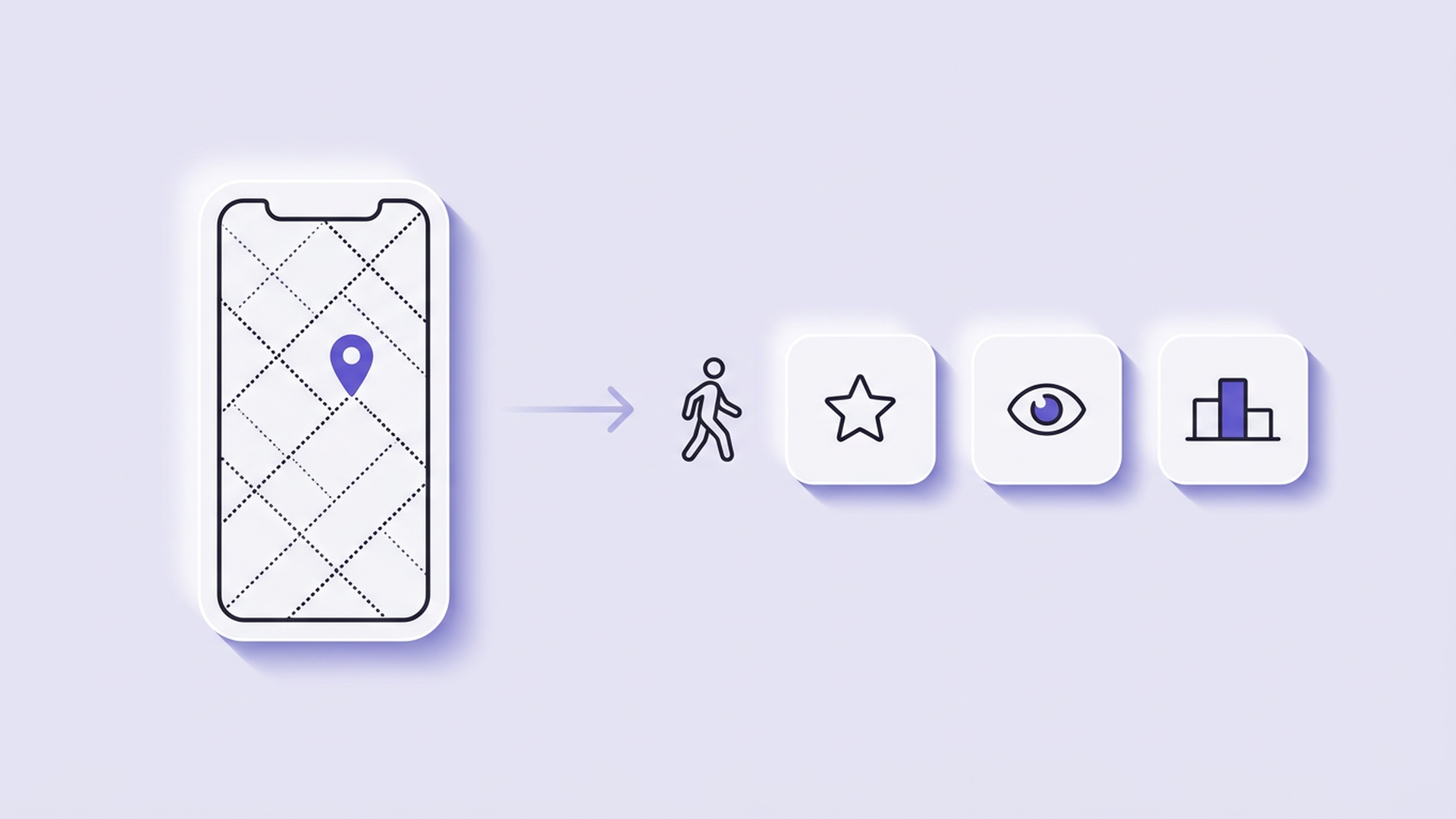
Mobile rank tracking is rank measurement done the way your customers actually search: on a mobile device class, from mobile coordinates, in the layout mobile gets. It is not a separate internet. It is the same Google answering a different question, asked from a different place, on a different screen. For local businesses the mobile result is the primary result, because the map pack leads mobile local layouts and packs are rebuilt per searcher location.
The distinction sounds pedantic until you see the numbers it produces. One Bangkok eyewear shop, one keyword, scanned as a 5×5 grid: average rank 1.48 and 92% top-3 coverage at a 1 km radius, collapsing to 10.55 and 44% visibility at 5 km (GBPpeak geo-grid scans, October 2026). A desktop check from one office reports one of those worlds and hides the other. Mobile rank tracking with a grid reports the neighborhood.
Why mobile results differ from desktop
| Factor | What it does on mobile | What it means for tracking |
|---|---|---|
| Coordinates | Mobile search centers the pack on where the phone is | Rank must be sampled from multiple points, not one |
| Layout | Mobile local results lead with the map, not links | Position in the pack matters more than organic position |
| Intent | "Near me" and navigational searches dominate | Your keyword set should include spoken-style phrases |
| Behavior | Calls, directions, messages happen in one tap | Rankings pair with actions; insights closes that loop |
None of this is a bug. If your tracking samples one device in one place, you are measuring a painting of a stage instead of the stage.
How mobile rank tracking works
- Fix the keyword set in both languages customers use. In Bangkok that usually means a Thai phrase and its English sibling, in spoken form, because mobile queries skew conversational.
- Lay the grid over the area you actually serve. 5×5 points at 1 km for foot traffic; wider for service-area businesses. Each point stands in for a customer's phone at that spot.
- Query from each grid point as a mobile session. The tracker asks Google from each coordinate with a mobile device class, capturing the pack a phone there would render.
- Collapse the grid into three numbers. Average rank, percentage of points where you appear, percentage where you hold top 3. That trio is the honest mobile footprint; one position is not.
- Rescan weekly at the same hour and keep the history. Mobile packs shuffle more than desktop SERPs, so the trend across weeks, not any single scan, is the signal. The full method for the manual version lives in our SERP ranking check guide.
What a workable setup looks like
- Multi-point grid scanning, not single-position checks, with a mobile device class
- Thai and English keyword support in one scan
- History that keeps every scan comparable: same grid, same radius, same schedule
- A free tier generous enough to track two or three keywords weekly, because a tracker you outgrow in a month is a report you stop reading
- Ideally, competitive context per cell, so you know who owns the neighborhoods where you vanish; the pattern is visible in our daily Bangkok grid scan reports
For choosing between tracker types generally, the map rank tracker guide compares grid tools with traditional SERP checkers in detail.
Frequently Asked Questions
Do I need a separate mobile rank tracker?
Not a separate product, but a mobile-aware one. Any tracker that samples a single location with a desktop session is answering the wrong question for a local business. Grid scanning from mobile coordinates is the feature to look for; whether the vendor sells it as "local rank tracking" or "mobile rank tracking" is marketing vocabulary.
Can I just check on my own phone?
You can, and it's better than nothing, but your phone reports your history, your location, and your habits. It's one data point wearing a costume of authority. Use it to sanity-check a strange-looking scan report, not as your tracking system. The failure modes of manual checking are cataloged in our SERP check guide.
Does Google rank my shop differently on mobile?
The shop is the same; the contest is different. Mobile local layouts weight proximity and immediate actions heavily, so a shop three streets away can outrank a stronger shop across town when the search happens on a sidewalk. That location-sensitivity is exactly why mobile rank tracking samples many points instead of one.
Do iOS and Android results differ?
Occasionally, in minor ways, through different app defaults and personalization. The differences are noise next to location. If a tracker controls for coordinates, device-class differences are a footnote; if it doesn't, no device matching will save the data.
Is there a free way to start?
Yes. The free scan at gbppeak.com/free-maps runs a multi-point grid around your business with no signup, which is the same shape of measurement described here. Start there, rescan after fixes, and upgrade to scheduled tracking only when the weekly rhythm has proven useful to you.
Your customers are searching from sidewalks, offices, and back seats. Meet them there in your measurement, not just your marketing: see where phones around your business find you with a free grid scan at gbppeak.com/free-maps — no signup, no card.